8 Questions to Ask Before Renting Storage in Fort Smith
This guide helps compare unit size, climate control, drive-up versus indoor access, price and fees, access hours, and the questions to ask before renting.
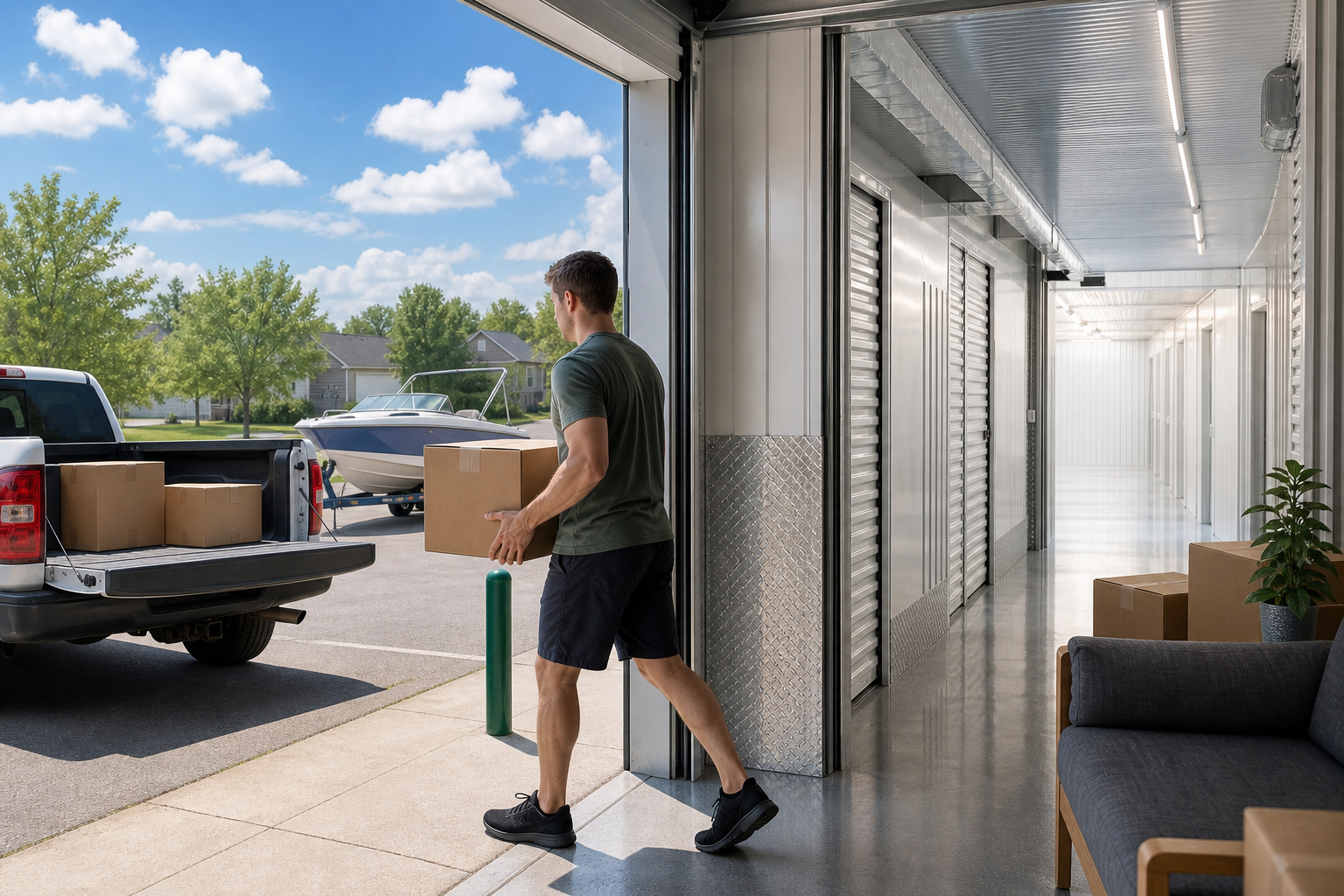
A practical, item-first checklist for Fort Smith storage renters
The right Fort Smith storage unit comes from what you're storing and how you'll move it in — not from whoever lists the lowest headline rate. This guide walks through eight questions that sort out unit size, climate control, drive-up vs. indoor access, access hours, real pricing and fees, location on your route, and the move-in rules worth confirming before you show up. Answer them in order and you'll usually land on the smallest unit that comfortably fits, with the access and terms that match how you actually plan to use it.
What matters most
Use the article as a decision filter: choose the smallest unit that comfortably fits your load, use climate control for wood, electronics, documents, photos, and fabrics, prioritize access that matches your real schedule, and compare regular rates and fees before trusting the cheapest promotion.
#1What am I actually storing — down to the biggest and most fragile items?
Before you look at a single rate, make a rough inventory that flags two things: your largest item and your most fragile one. A mattress and a dresser drive your square footage; a leather couch, framed art, or electronics drive whether you need climate control. Price shopping first tends to push people toward a unit that's slightly too small or too plain for what they own, and then they're paying to fix a decision they made backward.
- List the largest single item first — it usually sets the minimum footprint
- Flag anything sensitive to heat, humidity, or temperature swings
- Separate 'must keep pristine' from 'just needs to be out of the way'
Photograph each room you're clearing on your phone before you pack. The photo count and the size of what's in frame gives you a faster, more honest volume estimate than trying to recall it at the counter.
#2Which unit size fits my bulky items with room to walk?
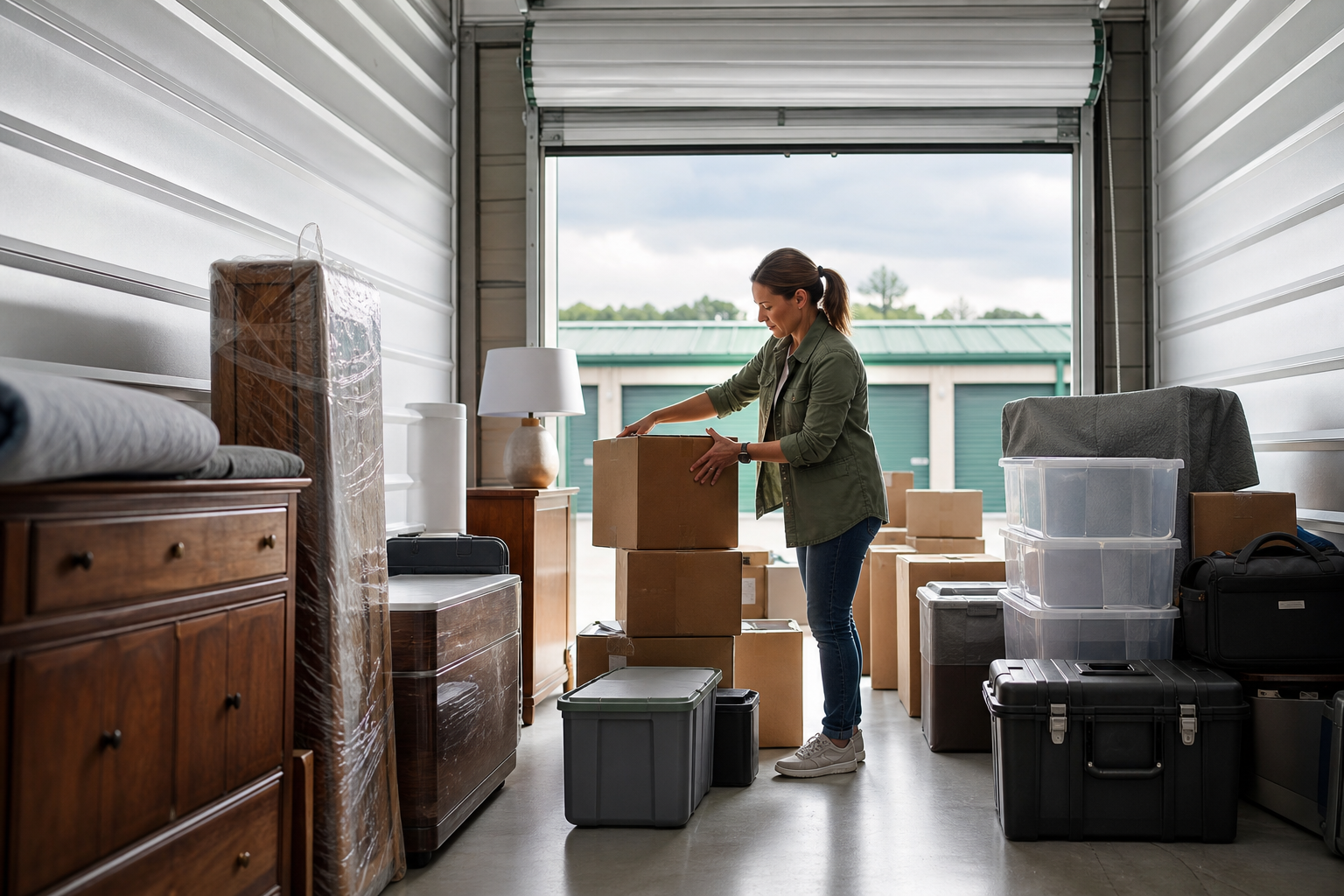
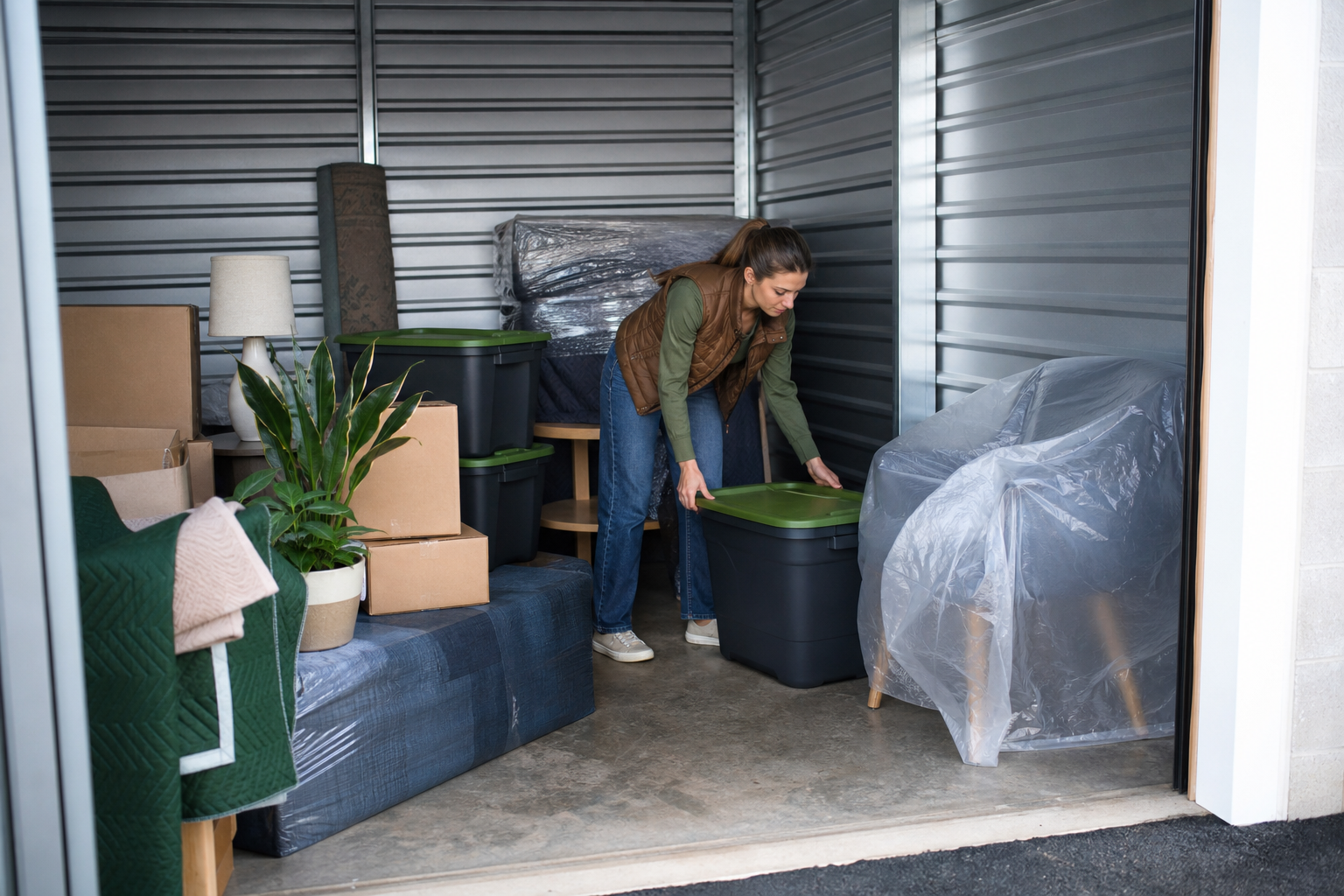
Size the unit around furniture and appliances, then add a path. Boxes stack and flex to fill space, but a sofa, headboard, or refrigerator has fixed dimensions and can't be squeezed smaller. If you plan to visit the unit during your rental, leave a walking lane so you're not unloading the whole thing to reach one box in the back. U Storage publishes a size guide to help match your load to a unit — worth using rather than eyeballing it.
- Place large furniture and appliances first in your mental layout
- Reserve a walking path if you'll retrieve items mid-rental
- Use the published size guide instead of guessing by room count
Measure your single longest item (usually a mattress or a couch) and confirm it clears the unit's door opening, not just the floor area. A unit can have enough square footage and still fight you at the doorway.
#3Does what I'm storing actually need climate control?
Fort Smith summers bring real heat and humidity, and that's the deciding factor here — not whether climate control sounds nicer. Wood furniture can warp, electronics and photos degrade, upholstery can grow mildew, and anything with adhesives or vinyl can soften in a hot, unconditioned unit. If your load is patio gear, tools, or plastic totes of garage overflow, standard drive-up storage is usually fine. Fort Smith U Storage offers temperature-controlled units, so you can match the choice to the item risk instead of paying for conditioning you don't need.
- Climate control for wood, electronics, photos, upholstery, documents
- Standard drive-up for tools, patio furniture, and sealed totes
- Humidity, not just temperature, is what damages soft goods
Run this test: if an item would be damaged sitting in a closed car through an Arkansas July afternoon, it belongs in climate control. If it wouldn't, standard storage is likely enough.
#4Should I pick drive-up or indoor for the way I'll move in?
Drive-up units let you back a vehicle or trailer right to the door, which is the fastest option for heavy furniture and appliances or a single big load day. Indoor units mean a short walk from a loading area, which trades a little convenience for the enclosed environment that pairs well with climate control. Fort Smith U Storage lists both drive-up and indoor units, so the honest question is how you'll physically move in — one big truck day favors drive-up, while ongoing careful trips with sensitive items lean indoor.
- Drive-up: fastest for heavy items and single-day moves
- Indoor: enclosed, pairs naturally with climate control
- A moving dolly on-site helps either way — confirm availability
If you're renting a truck for one move-in day, prioritize drive-up even if an indoor unit is a few dollars less — the time and back strain you save carrying items across a lot usually outweighs the difference.
#5Do the access hours match when I'll actually come and go?
Access hours and office hours aren't the same thing, and mixing them up is a common mistake. You may need to reach your unit after work, early before a lake or boat run, or late after a long haul — that's gated by access hours, not the front desk schedule. Fort Smith U Storage lists free 24/7 access, with office hours Monday through Friday from 8:00 AM to 5:30 PM and Saturday from 8:00 AM to 4:00 PM. If you want to talk to the manager, plan around office hours; if you just need your stuff, 24/7 access covers you.
- Confirm access hours cover your realistic visit times
- Reserve office-hour visits for questions, locks, and changes
- 24/7 access is listed as free — no upcharge for late trips
Handle anything that needs a person — buying a lock, insurance questions, unit swaps — during office hours on your move-in day. Save nights and Sundays for quick get-in-and-out trips when the office is closed.
#6Is this location on a route I already drive?
Treat location as a route decision, not just a map pin. A unit that sits between home and work, or on the way to a spot you visit often, gets used and checked; one that's a detour tends to get ignored until there's a problem. Fort Smith U Storage is at 4401 Savannah St in Fort Smith, so weigh it against your commute, your errands, and any regular trips — including seasonal runs toward the lakes or out of town — rather than distance alone.
- Favor a unit on a road you already travel
- Account for turns and traffic at your usual visit time
- Seasonal trips (lake, boat, out of town) count as part of the route
Trace the drive at the time of day you'll usually go. A location that's close on the map but adds two left turns across traffic during rush hour can be slower than one that's slightly farther on an easy route.
#7What's the real all-in price — and does the rate hold?
Compare live rates on the same unit size, with fees and add-ons included, or you're not comparing anything. A low headline number can carry admin fees, required insurance, a lock purchase, or a rate that climbs after an intro period. Fort Smith U Storage states it locks your rate for a full year, charges no admin fees, and doesn't add a fee for 24/7 access — you pay for the unit, insurance, and a lock if you need one, and there's a 25% off first four months offer. Line that structure up against other quotes on an identical size to see which is actually cheaper over the months you'll rent.
- Match unit size before comparing any prices
- Add fees, required insurance, and lock cost to the monthly rate
- A locked rate can beat a lower teaser once it resets
Multiply the true monthly cost by how long you honestly expect to store — not one month. A slightly higher rate that's locked for a year often beats a teaser rate that resets right about the time you're still not moved out.
#8What move-in rules should I confirm before reservation day?
The details that stall a move-in are the boring ones: whether you need to bring your own lock or buy one on-site, whether insurance is required and what proof counts, what ID and payment they need, and how the gate or access code works. Fort Smith U Storage notes you'll pay for a lock if you need one and that insurance is part of the charge, so sort those out ahead of time. Clearing this up before the truck is loaded keeps a smooth day from turning into a line at the office.
- Ask whether you bring a lock or buy one on-site
- Confirm insurance requirements and acceptable proof
- Get the gate or access-code process before you arrive
Call or confirm online the day before and ask one question: 'What do I need to bring to move in today?' The answer surfaces the lock, insurance, and ID requirements in one shot so nothing holds up the truck.
Quick summary
| Decision | What to check | Why it matters |
|---|---|---|
| Unit size | Largest furniture item plus a walking path | Bulky items have fixed dimensions; the wrong size means renting twice |
| Climate control | Whether items are heat- or humidity-sensitive | Fort Smith summers can warp wood and grow mildew in unconditioned units |
| Access type | Drive-up vs. indoor for your move-in method | Drive-up speeds heavy loads; indoor pairs with climate control |
| Access hours | Access hours separate from office hours | You need in-and-out times that fit your schedule, not just the front desk's |
| Pricing | All-in rate on the same size, and whether it's locked | Fees and reset rates can make a cheap headline the pricier choice |
| Move-in rules | Lock, insurance, ID, and access process | Confirming ahead keeps move-in day from stalling at the counter |
Storage numbers worth checking
Use these numbers as decision anchors before comparing facilities. The goal is not to guess a perfect unit — it is to compare the same details across options.
List largest items, box count, and aisle needs.
Use these as comparison anchors.
Monthly rate, promo length, required fees.
Drive-up convenience vs. indoor protection.
| Check | What to compare | Why it matters |
|---|---|---|
| 5×10 | Boxes, small bedroom, seasonal items | A small unit can save money if it truly fits |
| 10×10 | Apartment contents or household overflow | Often a safer middle option for mixed items |
| 10×20 | Multi-room moves or large equipment | More room can reduce loading frustration |
| Climate control | Sensitive vs. durable belongings | Arkansas heat and humidity change the risk |
StorageGuide verdict
Use the article as a decision filter: choose the smallest unit that comfortably fits your load, use climate control for wood, electronics, documents, photos, and fabrics, prioritize access that matches your real schedule, and compare regular rates and fees before trusting the cheapest promotion.
Storage FAQs
Do I really need climate control for storage in Fort Smith?
It depends on what you're storing. Fort Smith's summer heat and humidity can warp wood, damage electronics and photos, and cause mildew on upholstery, so those items belong in climate control. Tools, patio furniture, and sealed plastic totes are usually fine in a standard drive-up unit. Fort Smith U Storage offers temperature-controlled units so you can match the choice to the item.
What size storage unit should I rent?
Size the unit around your largest and bulkiest items — furniture and appliances — rather than your boxes, since cartons flex to fill gaps but a couch or refrigerator won't. If you'll visit during the rental, leave a walking path. U Storage publishes a size guide to help match your load to a unit.
What are the access hours at Fort Smith U Storage?
The Savannah St location lists free 24/7 access to your unit. The office is open Monday through Friday from 8:00 AM to 5:30 PM and Saturday from 8:00 AM to 4:00 PM, and closed Sunday, so plan any questions or lock purchases around those office hours.
Are there hidden fees, or does the price change later?
Fort Smith U Storage states it locks your rate for a full year, charges no admin fees, and doesn't add a charge for 24/7 access. You pay for the unit, insurance, and a lock if you need one. It also lists a 25% off first four months offer. When comparing anywhere, add fees and insurance to the monthly rate and check whether the rate holds over your full term.
Drive-up or indoor — which should I choose?
Choose drive-up if you're moving heavy furniture or doing a single big truck day, since you can back right up to the door. Choose indoor if you want the enclosed environment that pairs with climate control for sensitive belongings. Fort Smith U Storage lists both types, so decide based on how you'll physically move in.
What should I confirm before move-in day?
Confirm whether you bring your own lock or buy one on-site, whether insurance is required and what proof counts, what ID and payment they need, and how the gate or access code works. Sorting these out the day before keeps the truck from waiting while you handle paperwork.
Find a Fort Smith storage unit that fits what you're storing
Answer the size, climate, and access questions first, then compare live rates on the same unit size. Use the storage finder to line up your options before you reserve.