Storage Units in Brookland, Arkansas: Local Guide
Use this size guide to compare bulky furniture, box count, walkway space, climate-control needs, drive-up access, and the questions to ask before reserving a unit.
How to size a storage unit in Brookland without paying for empty air
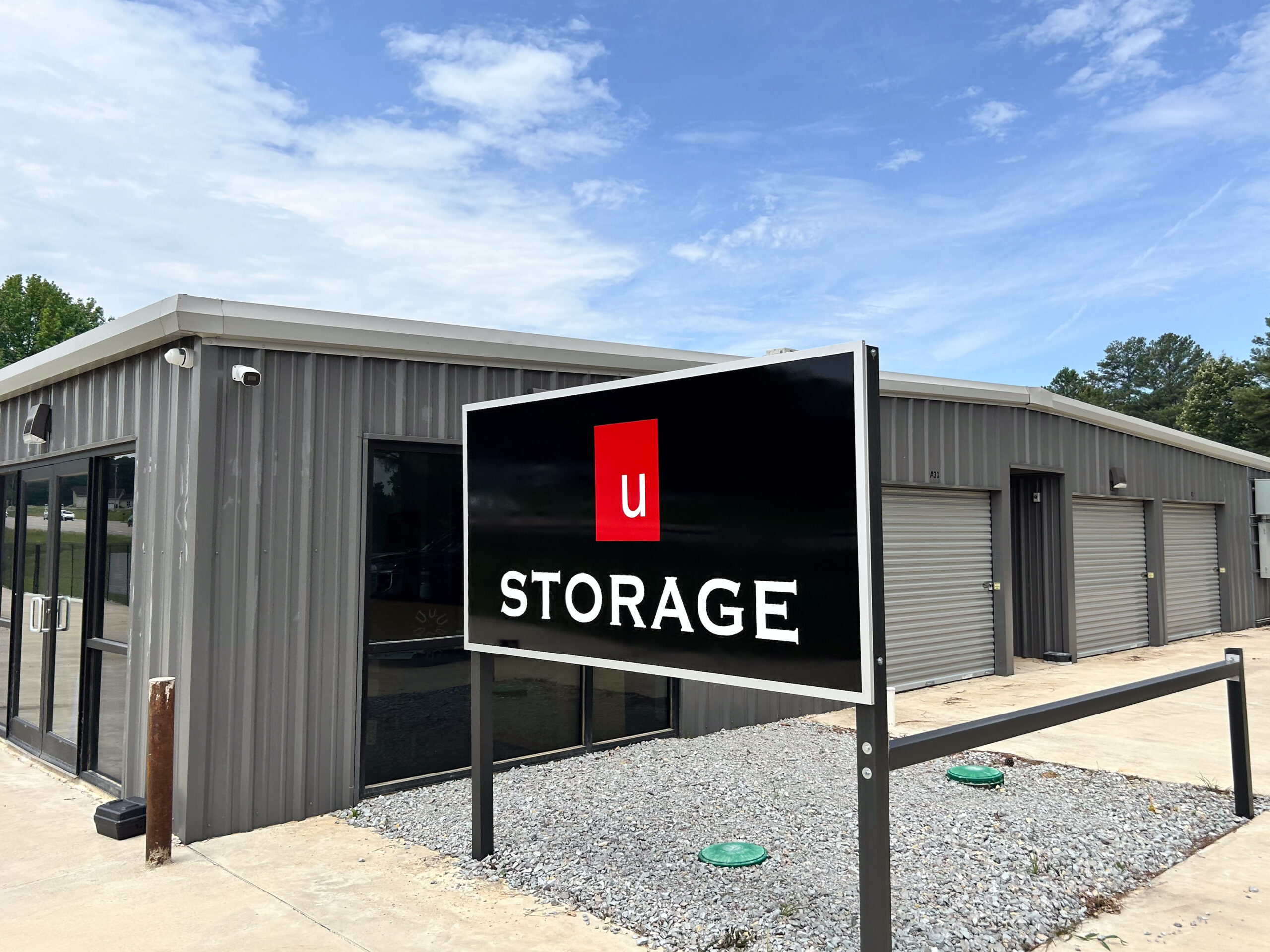
Most Brookland renters overpay by guessing high on unit size. This guide flips the process: start with your biggest furniture and appliances, add box count, leave room to walk if you'll visit often, then check the next size up before you cram everything into a tight fit. Brookland U Storage on US 49 offers drive-up and climate-controlled options with 24/7 access, so the real decision is matching the right size and access to what you're actually storing.
What matters most
Use the article as a decision filter: choose the smallest unit that comfortably fits your load, use climate control for wood, electronics, documents, photos, and fabrics, prioritize access that matches your real schedule, and compare regular rates and fees before trusting the cheapest promotion.
Size the unit around your bulkiest items first, not your box count
Boxes are flexible; a mattress, a sofa, and a refrigerator are not. Those big, awkward items set the floor plan of your unit, so measure them before you count anything else. A queen mattress and a full-size sofa together already eat most of the floor in the smallest lockers, while a washer, dryer, or fridge needs clear vertical and swing room to get in and out. Stand your largest pieces up in your mind first, then see what floor and wall space is left for everything else. If your biggest item won't slot in cleanly, the unit is too small no matter how few boxes you have.
- Measure mattresses flat and standing on edge — you'll likely store them upright to save floor space
- Appliances need clearance to tilt and roll in, not just their footprint
- A sectional sofa may need to come apart; measure the largest piece
Walk your home with a measuring tape and write down the width, depth, and height of your three largest items. If any single dimension is close to a unit's door or ceiling limit, size up one step rather than betting it'll 'probably' fit.
Use common unit sizes as ranges, not exact promises
Self-storage sizes cluster into predictable ranges, and thinking in ranges keeps you from over-renting. A small unit generally swallows a studio or dorm's worth of boxes with a chair or two. A mid-size unit handles a one-bedroom's furniture plus boxes. A larger unit covers a multi-bedroom home with appliances and bigger furniture. The trap is treating the label as a guarantee of fit — square footage doesn't account for how your specific pieces stack. Match the range to the volume of your load, then pressure-test it against the item you sized in the first section.
- Small range: dorm or studio, boxes and a few small furnishings
- Mid range: one-bedroom's furniture plus stacked boxes
- Large range: multi-bedroom home with appliances and large furniture
Estimate in 'rooms,' then subtract. If you're storing a one-bedroom apartment but leaving the couch behind, you may drop a size. Rounding your inventory up 'just in case' is the single most common way renters end up paying for empty air.
Leave walkway space if you'll visit the unit
A unit packed wall-to-wall is fine if you're storing and forgetting. But if you'll return for seasonal gear, a specific box, or one piece of furniture, you need a walkway. Plan a clear aisle down the middle or along one side so you can reach the back without unloading the front. This changes your size math: a unit that fits everything at maximum density is often one step too small for practical access. Shelving along one wall helps here too, keeping smaller items off the floor and freeing the aisle.
- Store frequently used items at the front
- Add freestanding shelving to build vertical space and keep the aisle clear
- Label box sides so you can read them from the walkway
If you expect more than a couple of visits, load the unit so your most-wanted items sit near the door and label box sides, not tops. The test: can you reach any box without moving three others? If not, you needed the next size up or a slimmer packing plan.
When Brookland's heat and humidity justify climate control
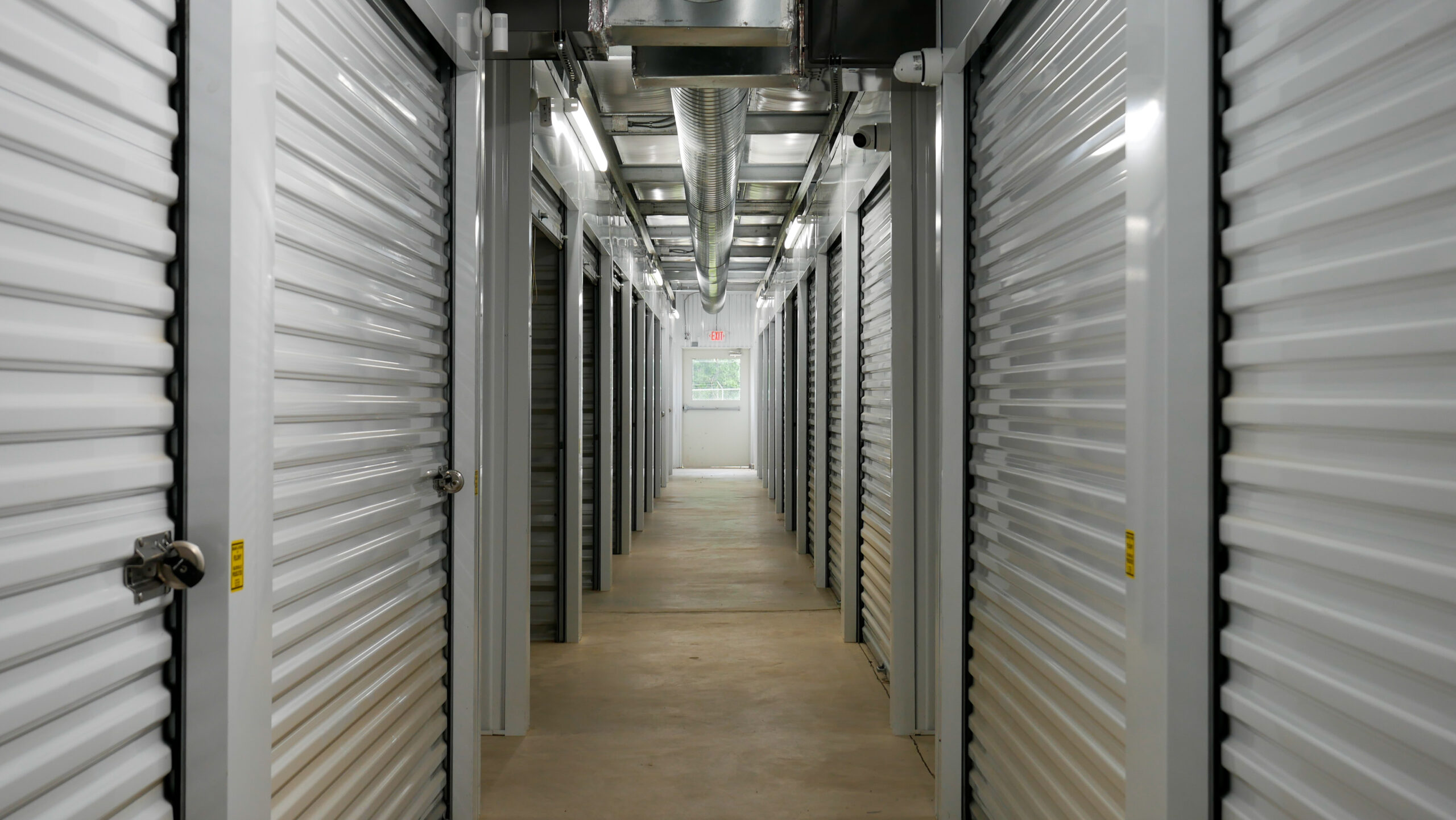
Northeast Arkansas summers are hot and humid, and an uninsulated metal unit can swing hard with the weather. That matters for what you're storing more than how big the unit is. Wood furniture can warp or crack, upholstered sofas and mattresses can trap moisture and mildew, and electronics, photos, documents, and instruments don't like temperature swings. Climate-controlled units here maintain steadier conditions for exactly those items. If your load is mostly plastic bins, tools, and outdoor gear, standard drive-up is usually fine and cheaper.
- Climate control suits electronics, documents, photos, wood, and upholstered furniture
- Standard drive-up is fine for tools, plastic bins, and weather-tolerant gear
- Wrap upholstery in breathable covers, not sealed plastic that traps moisture
Sort your inventory into two piles: replaceable-if-damaged and sensitive-and-irreplaceable. If the sensitive pile is more than a box or two — photos, electronics, solid-wood or upholstered furniture — pay for climate control rather than gambling on a July heat wave.
Drive-up vs indoor: match access to how you'll load
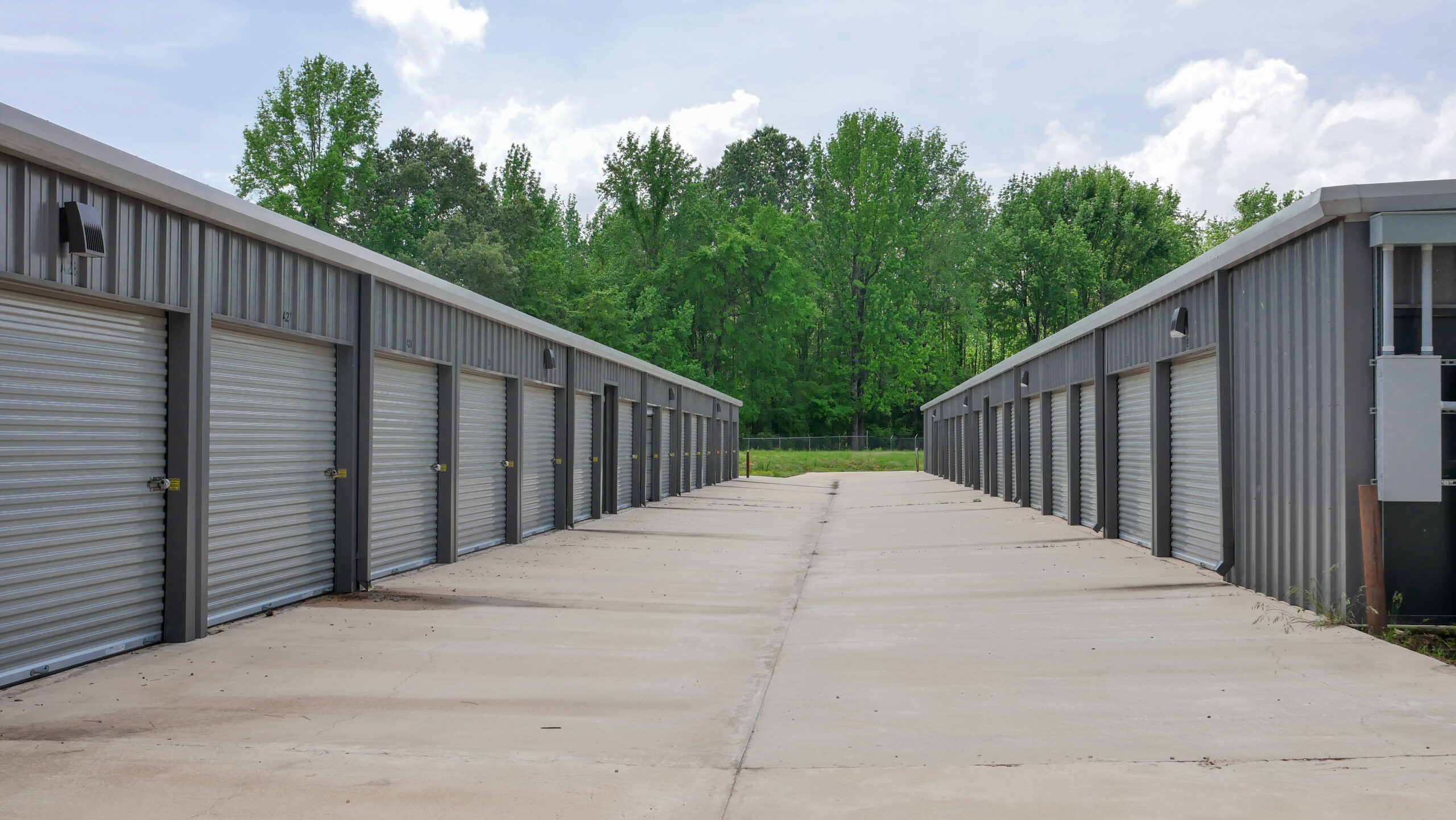
Drive-up units let you pull a vehicle right to the door and unload directly, which is the fastest option for heavy furniture and appliances and for anyone loading solo. All units at this Brookland location are ground-level, so there are no stairs or elevators to fight. Climate-controlled space trades some of that direct-to-door convenience for steadier temperature and humidity. The right pick depends on your load: bulky, weather-tolerant items lean drive-up; sensitive belongings lean climate-controlled indoor.
- Drive-up: fastest for heavy or bulky loads, unload straight from the vehicle
- Climate-controlled: steadier conditions for sensitive items
- Wide concrete driveways make trailer and truck maneuvering easier
If you're moving appliances or a full furniture set once and rarely returning, prioritize drive-up for the move-in day alone — the time and back strain you save hauling a fridge matters more than a few square feet of layout.
Compare the next size up before forcing a tight fit — and check the terms
Once you've landed on a size, price the next size up before committing. The gap between two sizes is often smaller than the cost of renting twice: outgrowing a too-small unit means a second rental or an early move, which erases any savings. On terms, this facility locks your rate for a full year and charges no admin fee or extra for 24/7 access — you pay for the unit, insurance, and a lock if you need one. That predictability makes the size decision cleaner because you're comparing real ongoing costs, not a shifting number.
- The step-up in size usually costs less than a second rental later
- Confirm what's billed: unit, insurance, and lock if needed
- Don't let a size-specific promo override a good fit
Ask three questions before you reserve: is the rate locked and for how long, what exactly is billed beyond the unit, and is there a promotion that only applies to certain sizes? If a promo pushes you toward a size that doesn't fit your items, ignore it and pick for fit.
Is US 49 a convenient side of town for your move?
Brookland U Storage sits at 11771 US Highway 49, which is a straightforward stop for renters moving along the Jonesboro–Paragould corridor. It's minutes from Arkansas State University, making it a practical between-semesters spot for students, under 10 minutes north of Jonesboro via US 49, and a short drive south of Paragould. If your move route already runs along US 49 — from campus, from Jonesboro, or from communities like Aetna — a highway-adjacent facility keeps loading trips short. The 24/7 gated access matters here too: late-night student move-outs and after-work loading both work when you're not tied to office hours.
- Direct access from the Jonesboro–Paragould corridor
- Minutes from Arkansas State University for semester storage
- 24/7 gated entry fits late or after-work loading
Leave a narrow aisle when retrieval matters. A perfectly packed unit is only efficient if you never need anything until move-out.
Quick summary
| Decision | What to check | Why it matters |
|---|---|---|
| Unit size | Whether your biggest item fits with room to spare | Bulky furniture and appliances, not box count, decide the size |
| Walkway | Whether you'll need to reach items later | Frequent visits need an aisle, which nudges you up a size |
| Climate control | How much of your load is heat- or humidity-sensitive | Arkansas summers can warp wood and mildew upholstery |
| Access type | Drive-up vs indoor climate-controlled | Heavy loads move faster drive-up; sensitive items belong indoors |
| Terms and fees | Rate lock, what's billed, size-specific promos | Predictable cost lets you compare sizes honestly |
Storage numbers worth checking
Use these numbers as decision anchors before comparing facilities. The goal is not to guess a perfect unit — it is to compare the same details across options.
List largest items, box count, and aisle needs.
Use these as comparison anchors.
Monthly rate, promo length, required fees.
Drive-up convenience vs. indoor protection.
| Check | What to compare | Why it matters |
|---|---|---|
| 5×10 | Boxes, small bedroom, seasonal items | A small unit can save money if it truly fits |
| 10×10 | Apartment contents or household overflow | Often a safer middle option for mixed items |
| 10×20 | Multi-room moves or large equipment | More room can reduce loading frustration |
| Climate control | Sensitive vs. durable belongings | Arkansas heat and humidity change the risk |
StorageGuide verdict
Use the article as a decision filter: choose the smallest unit that comfortably fits your load, use climate control for wood, electronics, documents, photos, and fabrics, prioritize access that matches your real schedule, and compare regular rates and fees before trusting the cheapest promotion.
Storage FAQs
How do I pick a unit size without renting too much space?
Start with your bulkiest items — mattress, sofa, appliances — and measure them, since they set the size before your boxes do. Then add your box volume and, if you'll visit, leave a walkway. Choose the smallest unit that fits comfortably, and only size up if your largest item is a tight squeeze.
Do I need climate control in Brookland?
It depends on what you're storing. Northeast Arkansas summers are hot and humid, which can warp wood, mildew upholstery, and stress electronics, photos, and documents. If your load includes sensitive items like those, climate control is worth it. For tools, plastic bins, and weather-tolerant gear, standard drive-up is usually enough.
Is there drive-up access, and are units on the ground floor?
Yes. Brookland U Storage offers drive-up access with wide concrete driveways, and all units are ground-level, so you can unload directly from your vehicle without stairs or elevators.
What are the access hours?
The facility offers 24/7 gated access at no extra charge, so you can reach your belongings on your own schedule — including late-night or after-work loading.
What will I actually be billed for?
Your rate is locked for a full year with no admin fees. You pay for the unit, insurance, and a lock if you need one. Ask whether any promotion applies only to certain sizes before you reserve.
Can I store a vehicle or boat here?
Yes, the facility offers RV, car, and boat parking, which is handy for seasonal vehicle storage in the Jonesboro–Paragould area.
Find the right-size unit in Brookland
Use your bulkiest items and box count to narrow the size, decide whether climate control fits your load, and compare terms before you reserve. Start your search and lock in the space you actually need.