Storage Units in Little Rock, Arkansas: Local Guide
Use this size guide to compare bulky furniture, box count, walkway space, climate-control needs, drive-up access, and the questions to ask before reserving a unit.
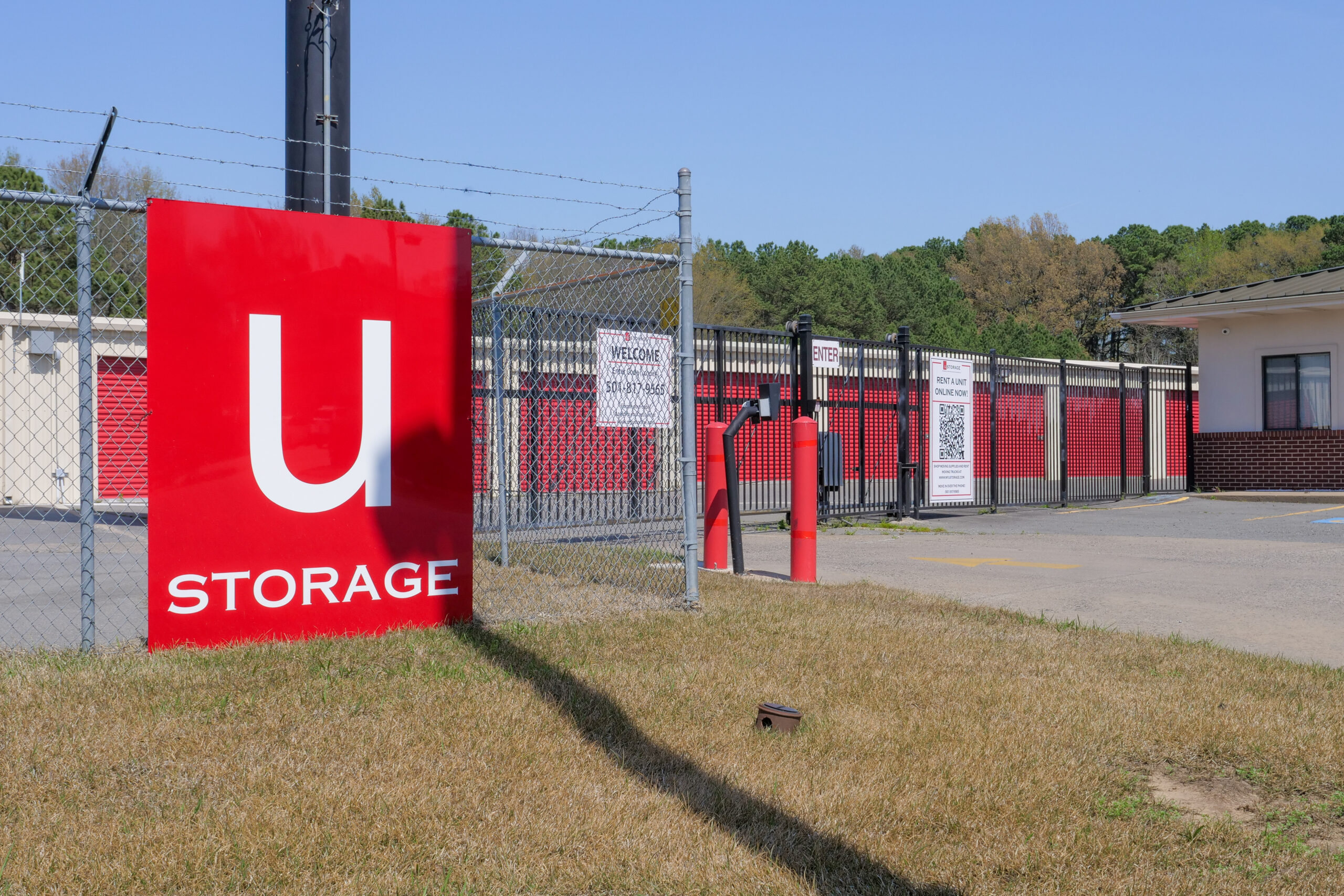
How to match a unit size to your furniture, boxes, and walkway needs in Little Rock
The fastest way to choose a Little Rock storage unit is to start with your biggest items, not your box count. This guide walks you through picking a size from your furniture and appliances first, deciding whether climate control is worth it for Arkansas heat and humidity, choosing between drive-up and indoor access, and reading price, fees, and access hours before you sign. Where it helps, we point out what to ask before renting so you don't end up in a unit that's a size too small or a size too expensive.
What matters most
Use the article as a decision filter: choose the smallest unit that comfortably fits your load, use climate control for wood, electronics, documents, photos, and fabrics, prioritize access that matches your real schedule, and compare regular rates and fees before trusting the cheapest promotion.
Size from your bulky items, not your box count
Boxes are flexible — they stack, shift, and fill gaps. Furniture doesn't. The item that actually sets your unit size is whatever you can't disassemble or squeeze: a queen mattress, a three-seat sofa, a refrigerator, a dresser. Lay those out mentally in a footprint first, then use boxes to fill the space above and around them. A pile of 30 boxes takes far less floor than one sectional sofa, so counting boxes first is how people end up renting a unit that's too big or shaped wrong for the pieces that matter.
- Measure length, width, and height of each large item before booking
- Note which pieces come apart (bed frames) and which don't (upholstered sofas)
- Stack boxes on top of and around furniture, not in a separate zone
Grab a measuring tape and note the longest dimension of your three largest items. If any single piece is over 7 feet long, skip the 5-wide units entirely — you'll fight the doorway every visit.
Use the common unit sizes as ballparks
Storage sizes aren't precise categories — they're planning ranges. A 5×5 handles a closet's worth of boxes and a couple of small items. A 5×10 fits a studio or a single bedroom: mattress, small sofa, a dresser, and boxes. A 10×10 covers a one-to-two bedroom apartment with furniture. A 10×15 or 10×20 moves you into whole-house territory with appliances and larger furniture. U Storage on John Barrow Rd offers a range from small closet-sized units up to spaces that hold the contents of a home, so match the room to your load rather than rounding up out of caution.
- 5×5: boxes and small items, closet equivalent
- 5×10: studio or single bedroom with a few furniture pieces
- 10×10: one to two bedrooms with furniture
- 10×15 to 10×20: full household with appliances
When you're between two sizes, picture your appliances against one wall. A washer, dryer, and fridge alone eat most of a 5-foot width, which is a fast way to know you've outgrown the smaller option.
Climate control for the items that can't take the humidity
Little Rock summers are hot and, more importantly, humid — and humidity is what warps wood, mildews upholstery, and corrodes electronics far more than heat by itself. A sealed drive-up unit can swing damp and stuffy across a long Arkansas summer. If you're storing a solid-wood dresser, an upholstered sofa, a mattress, a TV, or anything with a screen or circuit board, climate control is the difference between pulling it out clean and pulling it out musty. The John Barrow Rd facility offers both climate-controlled and drive-up units, so you can split the decision by contents.
- Climate-control: mattresses, upholstered furniture, wood, electronics, paper, photos
- Drive-up is fine for: metal shelving, tools, patio furniture, plastic totes
- Add a moisture absorber inside the unit for long summer stays
You don't have to climate-control everything. Put moisture-sensitive pieces indoors and leave a truly weatherproof item — a metal shelving rack, plastic totes of tools — in cheaper drive-up space if you're mixing loads across two units.
Drive-up vs. indoor: how you'll load decides it
Drive-up units let you back a vehicle to the door and slide heavy furniture straight in — a real advantage for a sofa, appliances, or anything you'll move on a dolly. Indoor climate-controlled units trade that direct pull for protection and usually involve a short walk from a loading area. The choice usually comes down to two questions: how heavy and awkward is your furniture, and how sensitive is it to Arkansas humidity? Heavy but hardy leans drive-up; sensitive but manageable leans indoor. U Storage on John Barrow Rd has both, plus a moving dolly and on-site truck rentals if you're wrestling large pieces on move-in day.
- Drive-up: fastest for heavy or bulky furniture and frequent visits
- Indoor climate-controlled: best for humidity-sensitive belongings
- Ask about the distance from parking to the unit door for indoor spaces
If a single item takes two people to lift, prioritize a drive-up door over saving a few dollars on an indoor unit — the loading effort adds up fast over multiple trips.
Is the John Barrow Rd side of town convenient for you?
Location matters most when you'll visit often — swapping seasonal gear, pulling business stock, or living out of a unit mid-move. The John Barrow Rd facility sits in west Little Rock and is positioned for easy access from Little Rock, Bryant, and surrounding areas, which helps if you're commuting from those directions rather than crossing town each trip. Just as important as the map is the schedule: customer access here runs 24/7, while the front office keeps set hours (Monday–Friday 8 a.m.–5:30 p.m., Saturday 8 a.m.–4 p.m., closed Sunday). If you need to reach your unit late or on a Sunday, the round-the-clock access covers it; if you need staff help, plan around office hours.
- Convenient for Little Rock, Bryant, and surrounding areas
- Round-the-clock access for after-hours and Sunday visits
- Time your first visit during office hours if you need a lock or supplies
Do a quick drive-time check at the hour you'll actually visit most — a weekday evening after work looks very different from a Saturday morning. If your visits cluster on Sundays, lean on the 24/7 access rather than counting on the office being open.
1200 John Barrow Road, Little Rock, Arkansas 72205, United States
Read the price, fees, and lease terms before the discount tempts you
A first-month promotion is only a deal if the ongoing rate and terms hold up. What actually protects your budget is a clear monthly price, no surprise add-ons, and a rate that won't jump after you've moved in. U Storage on John Barrow Rd locks your rate for a full year and advertises no admin fees and no extra charge for 24/7 access — you pay for the unit, insurance, and a lock if you need one. That kind of predictable structure matters more over a six-month stay than a one-time percentage off, so compare the steady-state cost, not just the headline.
- Confirm the post-promo monthly rate, not just the intro price
- Check for admin fees and access charges — here there are none
- Budget for insurance and a lock as part of the real total
Before signing, ask one question: what's the price in month two and beyond? If the answer isn't a locked number, treat the promo as a short-term rate, not your real cost.
Leave a walkway if you'll visit during the rental
The size that fits your stuff wall-to-wall and the size you can actually live with are two different things. If you'll retrieve items during the rental — holiday decorations, a specific box, business stock — you need an aisle to walk in and reach the back. Pack everything into an exact-fit unit and you'll be unloading the front half every time you want something buried in the back. Plan a center or side walkway and shelve or stack vertically so you can see and reach your inventory. This is often the single reason to size up one step from the tightest possible fit.
- Leave a walkway if you'll access items before move-out
- Stack vertically and use shelving to keep the floor path clear
- Skip the aisle and pack tight only for set-and-forget storage
Store the things you'll need soonest at the front and label boxes on the side facing the aisle, not the top. If you never plan to open the unit until move-out, you can safely pack tighter and rent smaller.
Quick summary
| Decision | What to check | Why it matters |
|---|---|---|
| Unit size | Dimensions of your 3 largest items | Furniture, not box count, sets the size you actually need |
| Climate control | Whether contents are humidity-sensitive | Arkansas humidity warps wood, mildews fabric, and harms electronics |
| Access type | Weight of items and visit frequency | Drive-up speeds heavy loading; indoor protects sensitive goods |
| Walkway | Whether you'll retrieve items mid-rental | An aisle may justify sizing up one step for real usability |
| Price and terms | Post-promo rate, fees, rate lock | Steady monthly cost beats a one-time discount over a long stay |
| Access hours | 24/7 vs. office availability | Determines whether late-night and Sunday visits work for you |
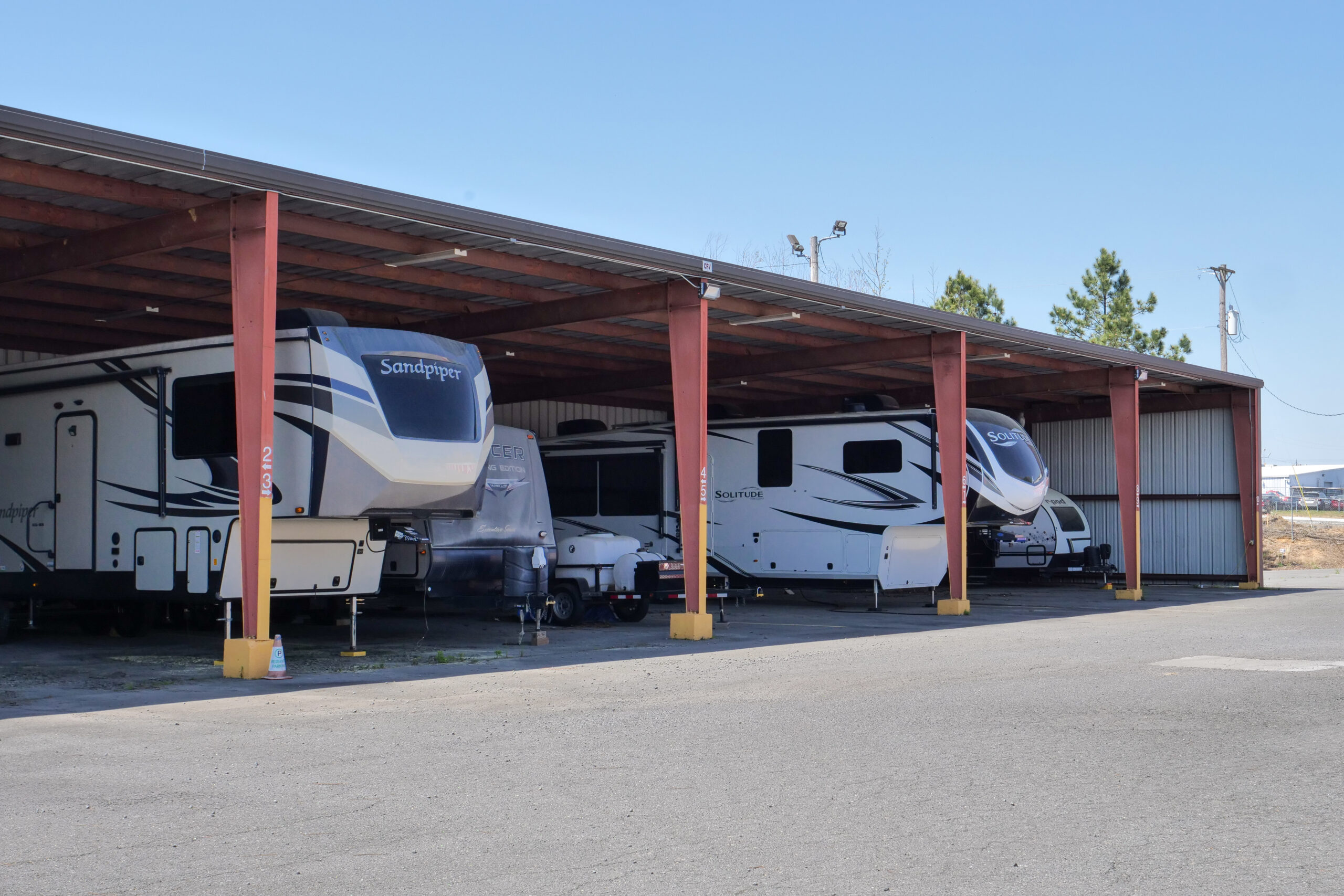
Storage numbers worth checking
Use these numbers as decision anchors before comparing facilities. The goal is not to guess a perfect unit — it is to compare the same details across options.
List largest items, box count, and aisle needs.
Use these as comparison anchors.
Monthly rate, promo length, required fees.
Drive-up convenience vs. indoor protection.
| Check | What to compare | Why it matters |
|---|---|---|
| 5×10 | Boxes, small bedroom, seasonal items | A small unit can save money if it truly fits |
| 10×10 | Apartment contents or household overflow | Often a safer middle option for mixed items |
| 10×20 | Multi-room moves or large equipment | More room can reduce loading frustration |
| Climate control | Sensitive vs. durable belongings | Arkansas heat and humidity change the risk |
StorageGuide verdict
Use the article as a decision filter: choose the smallest unit that comfortably fits your load, use climate control for wood, electronics, documents, photos, and fabrics, prioritize access that matches your real schedule, and compare regular rates and fees before trusting the cheapest promotion.
Storage FAQs
What size unit do I need for a one-bedroom apartment?
A 5×10 handles a single bedroom with a mattress, a small sofa, a dresser, and boxes. Once you add a full furniture set and appliances, plan for a 10×10. Measure your three largest pieces first — those decide the size more than your box count does.
Do I really need climate control in Little Rock?
For humidity-sensitive items, yes. Arkansas summers are humid, and that's what warps wood, mildews upholstery, and harms electronics. Store mattresses, wood and upholstered furniture, TVs, photos, and paper in climate control; metal shelving, tools, and plastic totes can go in drive-up space.
Should I choose drive-up or indoor storage?
Choose drive-up if your items are heavy and hardy or you'll visit often — you can back a vehicle to the door. Choose indoor climate-controlled if the contents are sensitive to heat and humidity. The John Barrow Rd facility offers both, so you can match access to what you're storing.
How much walkway space should I leave?
If you'll retrieve items before move-out, leave roughly a two-foot aisle so you can reach the back without unloading the front. That extra space is often the reason to size up one step. If you're storing set-and-forget, you can pack tight and rent smaller.
Can I access my unit after hours?
Customer access at the John Barrow Rd location runs 24/7. The front office keeps set hours — Monday through Friday 8 a.m. to 5:30 p.m., Saturday 8 a.m. to 4 p.m., and closed Sunday — so plan any visit that needs staff help around those times.
Size it right before you rent in Little Rock
Measure your biggest items, decide whether your belongings need climate control, and compare the next size up before forcing a tight fit. Then find a unit that matches your load on John Barrow Rd or elsewhere in the area.