10 Storage Mistakes to Avoid When Moving
This guide helps compare unit size, climate control, drive-up versus indoor access, price and fees, access hours, and the questions to ask before renting.

The move-in errors that quietly make a unit harder to use — and how Arkansas renters can sidestep each one.
The unit you regret is usually the one picked on price alone, packed without a plan, and never test-visited before the first return trip. Fit the size to what you own, add climate control for anything heat or humidity can damage, and confirm access hours and normal monthly rates before move-in day. Nail those, and the rest of this list gets much easier.
What matters most
Use the article as a decision filter: choose the smallest unit that comfortably fits your load, use climate control for wood, electronics, documents, photos, and fabrics, prioritize access that matches your real schedule, and compare regular rates and fees before trusting the cheapest promotion.
#1Renting by price before you've checked the size fit
The cheapest unit is only cheap if your things fit. Renters routinely book a 5×10 to save a few dollars, then discover a couch and a mattress eat the whole footprint with nowhere for boxes. On the other side, an oversized unit means you're paying monthly for empty air. Estimate by rough contents: a studio or dorm's worth of items usually lands around a 5×10, a one-bedroom apartment around a 10×10, and a full house closer to a 10×20 or larger. Measure your bulkiest pieces first, because those set the minimum.
Do a floor test at home: tape out the unit's dimensions on your living room floor and stage your largest items inside the outline. If they don't fit with walking room, size up before you rent — not after the truck is loaded.
#2Forgetting climate control for sensitive belongings
Arkansas summers run hot and humid, and a standard metal unit can swing well above outdoor temperatures. That's fine for patio furniture or tools, but it's rough on electronics, wood furniture, leather, vinyl records, artwork, photos, and paper. Heat warps and cracks; humidity invites mildew and rust. Climate-controlled units hold a steadier temperature and lower moisture, which is what those items actually need. The mistake is treating climate control as an upsell instead of matching it to what you're storing.
Sort your inventory into two piles before renting: 'won't mind a hot summer' and 'could be ruined by one.' If the second pile has real value, the climate-control premium is cheaper than replacing the contents.
#3Packing every box to the same heavy weight
Uniform-looking boxes feel organized, but loading each one to the brim creates two problems: they're too heavy to move safely, and heavy-on-top stacks crush what's underneath. The fix is packing by density, not by matching box size. Books, tools, and office supplies go in small boxes; linens, pillows, and lampshades fill the big ones. Keep any single box under a weight you can carry without shuffling, and put the heaviest, sturdiest boxes on the bottom of every stack.
Use the one-hand test: if you can't slide a packed box a few inches with one hand, it's too heavy to stack safely and belongs on the floor. Redistribute before it goes in the unit, not when a stack topples later.
#4Skipping labels and photos before move-in
Future-you won't remember which anonymous brown box holds the winter clothes. Label every box on at least two sides — top and one end — so it's readable no matter how it's stacked, and note the room and a few contents rather than just a number. A quick phone photo of each box's contents before you seal it, plus a wide shot of the loaded unit, turns a guessing game into a two-minute lookup later. This costs minutes now and saves an entire dig-through trip down the road.
Keep a running photo album on your phone labeled with the unit number, and snap the unit's contents right after you finish loading. If you ever file an insurance claim, that dated photo set is your proof of what was inside.
#5Leaving no aisle for the things you'll need later
A wall-to-wall packed unit looks efficient until you need the one box buried in the back. If you'll retrieve items over time — seasonal gear, business inventory, a tool you forgot — build a center aisle and put frequently accessed items near the door. Store big furniture along the sides and back, and keep a clear path so you're not unloading half the unit to reach a single box. Plan the layout on the way in, because rearranging a full unit later is the trip nobody wants to make.
Group by how often you'll need things, not by which truck they came off of. Put a 'grab zone' of likely-needed boxes by the door and reserve the deep corners for items you won't touch until move-out.
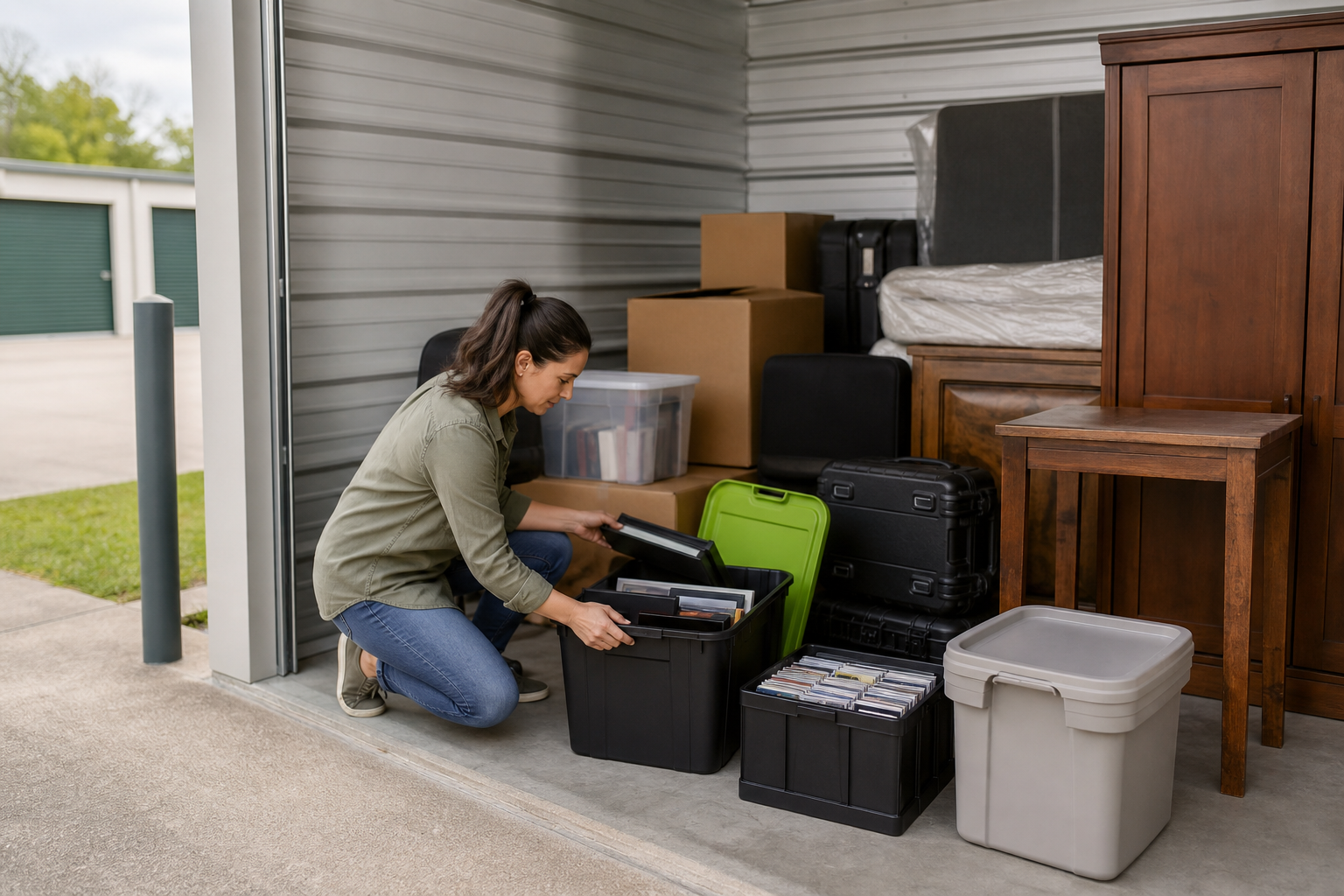
#6Ignoring access hours until your first pickup trip
24-hour access isn't universal; some facilities have gates lock in the evening, and some limit weekend or holiday hours. If you work late, run a business with off-hours pickups, or plan to swing by on the drive to the lake, confirm the actual gate and office hours before you commit. If a facility does offer 24/7 access, check and see if it's included or an additonal fee.
Match access type to your habit: if you'll be in and out often, drive-up saves real time over hauling items down an indoor hallway. If you rarely visit, indoor climate protection may be worth the extra steps.
#7Comparing promotions without checking the normal monthly rate
A 'first month free' or '$1 move-in' headline tells you almost nothing about what you'll pay in month four. The number that matters is the standard ongoing rate, plus any admin fee, required insurance, or lock purchase. Two units with identical promotions can differ by a lot once the teaser expires. Ask what the rate reverts to, how quickly it can increase, and what's actually included. A slightly higher promo on a lower ongoing rate often wins over the year.
Do the 12-month math before signing: multiply the normal monthly rate by the months you'll realistically need, then add one-time fees. Compare that total across facilities — the cheapest first month rarely wins the full stay.
#8Storing things that shouldn't be in a storage unit at all
Storage units aren't for everything you own. Food of any kind invites pests and odor and is frequently prohibited by your leasing agreement. Flammables and hazardous materials like gasoline, propane, paint, and fireworks are also often prohibited for safety. Avoid keeping irreplaceable valuables like cash, critical documents, or heirloom jewelry in a unit when a safe deposit box or home safe is the better fit.
Empty the fuel and the fridge: drain gas from any powered equipment and never store food, even sealed pantry goods, unless the facility explicitly allows it. When in doubt about an item, ask the office rather than assume — a prohibited item can void your agreement.
#9Choosing a location that's awkward for repeat visits
The unit five minutes farther can be worth it if it's on a route you actually drive. A facility that's cheap but out of the way turns every trip into a chore, especially for businesses frequently restocking inventory or anyone hauling gear toward the lake each weekend. Weigh distance against how often you'll go: for a set-it-and-forget-it stash, cross-town is fine; for frequent access, pick a spot near home, work, or your usual drive.
Map the unit against your real weekly routes, not just the straight-line distance from home. A location on your commute or on the way to a regular destination beats a closer one that requires a dedicated detour.
#10Waiting until move-in day to ask about rules and fees
Move-in day is the worst time to learn about a required lock type, a mandatory insurance minimum, an admin fee, or notice periods for moving out. These vary by facility and can change the real cost and convenience of a unit. Read the agreement before you show up with a loaded truck: know the total move-in cost, the lock policy, the insurance requirement, what happens if you pay late, and how much notice you need to give when you leave. A five-minute call ahead prevents a truck sitting idle while paperwork gets sorted.
Ask three questions before signing: what's the total move-in cost, is a specific lock or insurance required, and how much notice do I need to give to move out? The answers shape both your budget and your exit — and they're cheaper to get now than to discover later.
Quick summary
| Decision | What to check | Why it matters |
|---|---|---|
| Unit size | Whether your largest items plus boxes fit with walking room | A too-small unit is unusable; a too-big one wastes monthly rent. |
| Climate control | Which of your items are heat- or humidity-sensitive | Arkansas summers can warp wood and ruin electronics and paper. |
| Access | Gate hours, drive-up vs. indoor, and layout for an aisle | Determines how easily you retrieve things on repeat trips. |
| Price | Normal monthly rate and one-time fees, not just the promo | The teaser expires; the ongoing rate is what you actually pay. |
| Location | Distance against how often you'll visit | A convenient unit beats a slightly cheaper, out-of-the-way one. |
| Terms | Fees, lock and insurance rules, and move-out notice | Surprises on move-in day cost time and money. |

Storage numbers worth checking
Use these numbers as decision anchors before comparing facilities. The goal is not to guess a perfect unit — it is to compare the same details across options.
List largest items, box count, and aisle needs.
Use these as comparison anchors.
Monthly rate, promo length, required fees.
Drive-up convenience vs. indoor protection.
| Check | What to compare | Why it matters |
|---|---|---|
| 5×10 | Boxes, small bedroom, seasonal items | A small unit can save money if it truly fits |
| 10×10 | Apartment contents or household overflow | Often a safer middle option for mixed items |
| 10×20 | Multi-room moves or large equipment | More room can reduce loading frustration |
| Climate control | Sensitive vs. durable belongings | Arkansas heat and humidity change the risk |
StorageGuide verdict
Use the article as a decision filter: choose the smallest unit that comfortably fits your load, use climate control for wood, electronics, documents, photos, and fabrics, prioritize access that matches your real schedule, and compare regular rates and fees before trusting the cheapest promotion.
Storage FAQs
How do I know if I need climate control?
Look at what you're storing. Wood furniture, electronics, leather, artwork, photos, documents, and anything glued or veneered can be damaged by Arkansas heat and humidity, so those belong in a climate-controlled unit. Patio furniture, tools, and outdoor gear usually don't need it.
What's the smartest way to compare storage prices?
Don't focus on the first-month promotion and instead compare the normal ongoing monthly rate plus required insurance. Multiply the standard rate by how many months you'll need and add the fees to see the real cost.
Should I pick drive-up or indoor access?
It depends on how you'll use it. Drive-up units are faster for frequent loading and unloading, while indoor units — often climate-controlled — better protect sensitive items but may involve carts and elevators. Match the type to how often you'll visit and what you're storing.
What can't I store in a unit?
Perishable food, living plants or animals, and hazardous or flammable materials like gasoline, propane, paint, and fireworks are typically prohibited. Keep irreplaceable valuables like cash and critical documents somewhere more secure.
What should I ask before I sign?
Confirm the total move-in cost, whether a specific lock or insurance is required, the access and gate hours, and how much notice you need to give to move out. Getting these answers before move-in day avoids surprises when the truck is already loaded.
Compare Arkansas storage units the smart way
Use the size, climate, access, and pricing checks in this guide, then match them to real units near your route. Start with a side-by-side comparison instead of the first promotion you see.